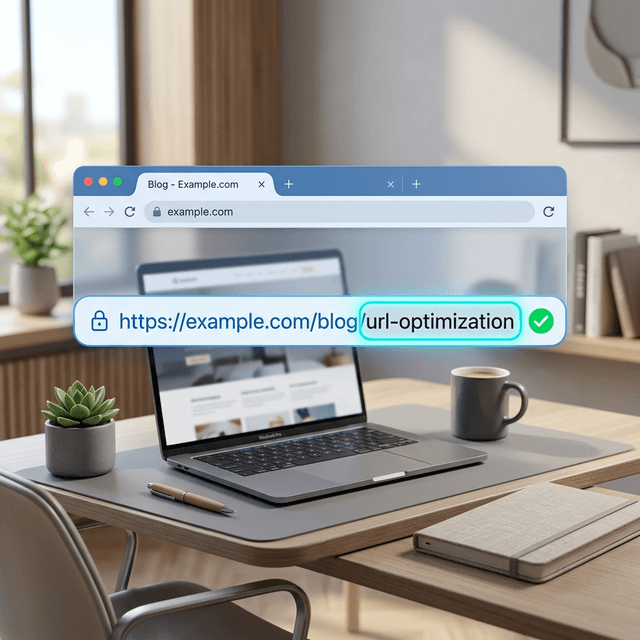
A favicon is the small icon associated with your website. It usually appears in browser tabs, bookmarks, app shortcuts, and sometimes in search-related interfaces.
It is a small detail, but it does real work. A missing or broken favicon makes a site look unfinished. A clear favicon helps users recognize your brand faster, especially when they are comparing multiple tabs or returning to your site later.
In this guide
- What a favicon actually does
- Why it matters for trust and recognition
- How to check whether your site has one
- What favicon mistakes are most common
What a Favicon Does
A favicon gives your site a visual identifier.
Users may see it in:
- browser tabs
- bookmark bars
- mobile home-screen shortcuts
- browser history views
- some search and discovery surfaces
The technical side is simple. The business side is more important. It helps your site feel complete and recognizable in small, high-frequency touchpoints.
Free Favicon Checker
Free Tool
Check a site's favicon setup
Enter a homepage or site URL to look for icon tags, manifest references, and the default /favicon.ico file.
Why a Favicon Matters More Than It Looks
The favicon is one of those details users rarely praise and instantly notice when it is missing.
It matters because it:
- improves quick brand recognition
- makes tabs easier to scan
- supports a more polished site presentation
- reduces the unfinished look that weakens trust
This is especially relevant if you are already cleaning up Open Graph tags, meta descriptions, and other page-level metadata. Small presentation signals stack.
Common Favicon Signals
Most sites rely on one or more of these:
rel="icon"rel="apple-touch-icon"rel="manifest"- a default
/favicon.icofile
You do not need to overcomplicate it, but you do need a setup that resolves cleanly.
The Most Common Favicon Problems
No Favicon at All
The browser falls back to a generic icon or no icon, which makes the site look unfinished.
Broken File Paths
The tag exists, but the icon URL returns an error.
Wrong Asset for Small Sizes
Some logos look fine in large formats and become unreadable when reduced to favicon size.
Inconsistent Branding
The favicon uses a different color, mark, or visual language than the rest of the site.
What Makes a Good Favicon
- simple shape
- high contrast
- recognizable at tiny sizes
- consistent with the brand mark
The best favicons are usually not miniature versions of a full logo lockup. They are stripped-down marks that remain readable at a glance.
When To Check Your Favicon
Check it when:
- launching a new site
- rebranding
- changing domains
- updating site templates
- noticing a generic tab icon in production
It is also worth checking if users say your tab preview looks broken or if browser bookmarks show a blank icon.
Favicon and SEO
A favicon is not a major ranking factor. Its value is presentation, trust, and recognition. That still matters because clicks and return behavior are shaped by whether a site feels polished.
Think of it as part of the broader page-quality surface, alongside your on-page SEO basics and website description clarity.
Ready to Automate Your SEO?
AgenticSEO helps you catch technical issues that make pages feel weaker than they should, from metadata gaps to presentation signals that users notice fast.
Start your free AgenticSEO analysis workflow
Frequently Asked Questions
Is a favicon required for SEO?
Not in the sense of being a core ranking requirement. It still matters because it improves branding and site presentation in places where users evaluate trust quickly.
What size should a favicon be?
You should provide icon assets that support small display sizes cleanly. The exact formats can vary by platform, but clarity at tiny sizes matters more than creating one oversized file and hoping it scales well.
Can I just use my full logo as a favicon?
Sometimes, but many full logos become unreadable when shrunk down. A simplified brand mark usually works better.
Key Takeaways
- A favicon is the small icon tied to your site in tabs, bookmarks, and shortcuts.
- It supports recognition and trust even though it is a tiny asset.
- The most common problems are missing icons, broken paths, and unreadable designs.
- A strong favicon is simple, clear, and aligned with the rest of your brand.