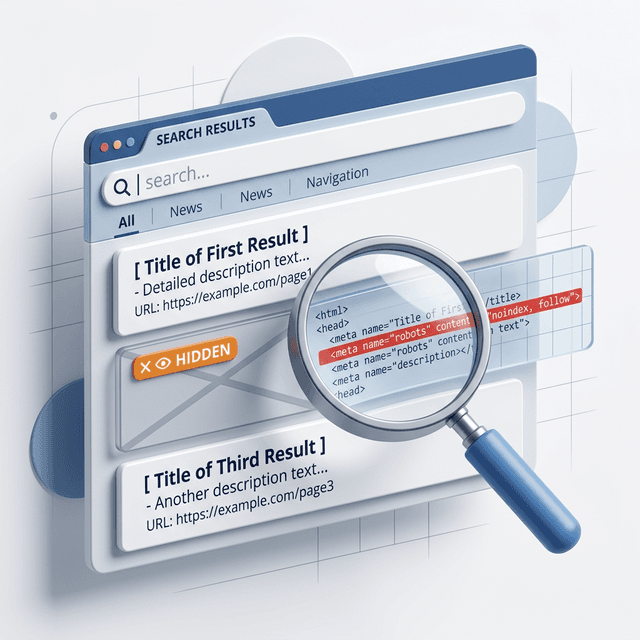

A sitemap.xml file helps search engines discover the URLs you want crawled and indexed. It is not a magic ranking lever, but it is one of the clearest technical signals you control.
When a sitemap is clean, it reinforces your preferred URL inventory. When it is messy, outdated, or inconsistent, it creates noise instead of clarity.
In this guide
- What sitemap.xml does
- How to find and validate a sitemap
- What belongs in a sitemap and what does not
- How sitemap quality affects indexing
What Sitemap.xml Is
A sitemap.xml file is a machine-readable list of URLs you want search engines to know about.
Depending on the site, it may be:
- a single
urlsetfile - a sitemap index that links to multiple sitemap files
It can also include optional fields like lastmod, which help describe when a URL changed.
Free Sitemap Checker
Free Tool
Check a sitemap.xml file
Enter a domain or sitemap URL to discover the sitemap location, verify the response, and inspect the basic structure.
Why Sitemap.xml Matters
It matters because it helps search engines understand the inventory of your site.
That is especially useful when:
- the site is large
- pages are newly published
- internal linking is still weak
- important URLs sit deeper in the architecture
- the site changes often
It does not replace internal links or good architecture. It supports them.
That is why a sitemap works best when it agrees with your canonical setup, website taxonomy, and noindex rules.
What Should Be in a Sitemap
In most cases, include:
- canonical pages
- indexable pages
- pages that matter for search visibility
- up-to-date URLs you want discovered
Do not include:
- noindexed pages
- duplicate URLs
- redirected URLs
- broken pages
- utility pages that should stay out of search
The Most Common Sitemap Problems
The Sitemap Is Missing
This is more common than it should be, especially after rebuilds and migrations.
The Sitemap Lists the Wrong URLs
If it includes redirects, duplicates, or non-canonical pages, it sends mixed signals.
The Sitemap Is Outdated
New pages are missing, deleted pages still appear, and the file stops being trustworthy.
The Sitemap Conflicts With Other Signals
If the sitemap says one thing and your canonicals, internal links, or noindex tags say another, Google has to resolve the conflict.
Sitemap.xml vs Robots.txt
These two files solve different problems.
robots.txtcontrols crawl accesssitemap.xmlhelps discovery and URL inventory
You usually want both to support the same strategy instead of working against each other.
A Simple Sitemap Review Process
- Find the sitemap through
robots.txtor the default sitemap path. - Confirm the file loads and returns a clean response.
- Check whether it is a URL set or a sitemap index.
- Spot-check sample URLs for canonicals, status codes, and indexability.
- Make sure the sitemap reflects your real live page inventory.
If important pages are missing, that is a useful signal. If the sitemap is full of junk URLs, that is also a useful signal.
When To Prioritize Sitemap Cleanup
Move it up the list when:
- launching a new site
- finishing a migration
- seeing indexing gaps in Search Console
- cleaning duplicate URLs
- restructuring content clusters
It is one of the fastest ways to tighten technical consistency across the site.
Ready to Automate Your SEO?
AgenticSEO helps you connect indexing signals, crawl diagnostics, and technical page issues into one practical workflow.
Start your free AgenticSEO analysis workflow
Frequently Asked Questions
Do I need a sitemap.xml file if my internal linking is strong?
Yes, it is still useful. Strong internal links help discovery, but a clean sitemap gives search engines a clearer inventory of the URLs you want indexed.
Should every page be included in the sitemap?
No. Only include canonical, indexable URLs that matter for search. A sitemap should be curated, not bloated.
Can a sitemap fix indexing problems by itself?
No. It can support discovery, but it will not override problems like noindex, poor canonicals, redirects, or weak internal links.
Key Takeaways
- Sitemap.xml helps search engines find and understand the URLs you want indexed.
- It works best when it agrees with your canonicals, internal links, and indexability rules.
- A sitemap should include clean canonical URLs, not duplicates, redirects, or noindexed pages.
- Missing or messy sitemaps create confusion instead of clarity.