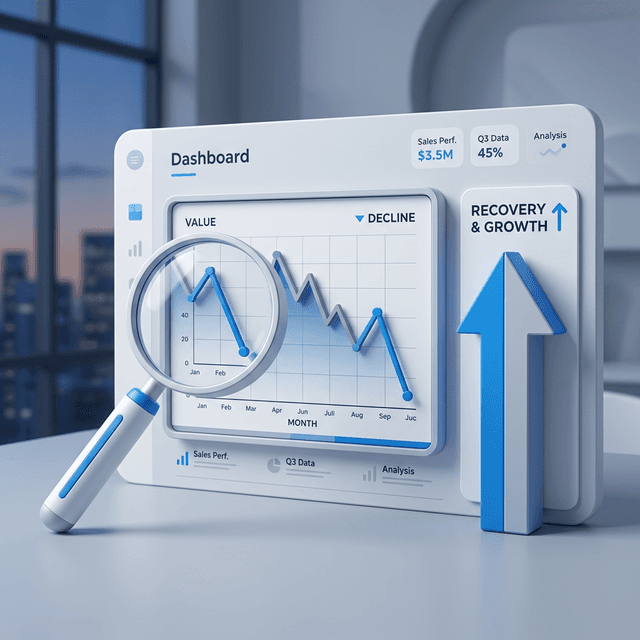

Losing rankings is frustrating, but the biggest mistake is treating every drop the same way. A page can lose visibility because of an algorithm update, a technical issue, a shift in search intent, weaker internal links, a better competitor page, or a reporting misunderstanding.
The fix only gets easier once you know which of those happened. This guide walks through a practical Search Console-first process to find the cause, prioritize the right repair, and recover lost keyword rankings without guessing.
In this guide
- How to confirm a real ranking loss
- How to isolate technical vs content causes
- What to check in Search Console first
- How to build a focused recovery plan
Start by Confirming the Drop Is Real
Before changing the page, confirm that you actually lost rankings and did not just notice normal fluctuation.
Open Google Search Console and compare the last 28 days against the previous 28 days. Turn on clicks, impressions, CTR, and average position. Then review both the Queries and Pages tabs.
Look for these signals:
- The same query shows lower clicks and lower average position across both periods
- The same landing page lost impressions for multiple related queries
- The decline is persistent for more than a few days
- The drop affects your priority query set, not just low-volume noise
If only one third-party tool shows a drop, verify it in Search Console before reacting. Tool reporting changed a lot after Google's deeper SERP data limits, so not every missing keyword means a real loss.
Use Search Console to Narrow the Problem Fast
Most recovery guides stay broad. That wastes time. You want to classify the loss as quickly as possible.
1. Check Whether the Drop Is Query-Level or Page-Level
If one page lost many related queries, the problem is usually page-level. Think intent mismatch, stale content, weaker snippet, indexing issues, or stronger competition.
If only one query dropped while the page still performs well overall, the issue is often narrower:
- a new competing page entered the SERP
- Google is testing different result types
- your page is no longer the best match for that exact query
2. Check Whether the Loss Is Site-Wide or Isolated
If many sections of the site dropped at the same time, investigate:
- algorithm updates
- crawling or indexing problems
- accidental
noindex - canonical errors
- redirect mistakes
- server instability
If the loss is isolated to one URL or one cluster, focus on that page and the SERP around it.
For a broader diagnostic flow, this pairs well with a full step-by-step SEO audit.
3. Check Search Type, Device, and Country
A lot of ranking losses only happen in one segment.
Filter by:
- Web vs Image vs Video
- Mobile vs Desktop
- Country
This matters because the fix changes with the pattern. A mobile-only drop points you toward page experience, SERP layout shifts, or mobile CTR problems. A country-specific drop may reflect localization gaps or stronger regional competitors.
The 6 Most Common Reasons You Lost Keyword Ranking
1. Search Intent Changed
This is one of the most common causes and one of the least understood.
You may have written the right page for the keyword six months ago. Today, Google may prefer fresher examples, more product-led results, more comparisons, more local pages, or shorter answers.
Signs this is the issue:
- the top 10 results changed format
- pages ranking now answer a slightly different question
- your page still has impressions, but CTR and position are both slipping
Fix:
- re-run the SERP analysis
- update the intro to answer the query faster
- add missing sections that the new top pages cover
- remove outdated framing that no longer matches what searchers want
If you need a faster way to review live results before refreshing a page, use this alongside your SERP analysis guide.
2. Your Content Went Stale
Content decay rarely looks dramatic at first. It usually starts as a slow decline in impressions, followed by weaker positions on the head term and nearby variations.
Common triggers:
- outdated screenshots or workflows
- old examples
- missing new terminology
- competitors publishing more complete versions
Fix:
- refresh the first 200 words
- replace weak examples with current ones
- expand sections that are thin compared with current results
- add FAQs that reflect newer question variants
For older posts that have been sliding for months, use the same refresh system from content decay SEO and content refresh strategy.
3. A Technical Issue Broke Trust or Crawlability
Sometimes the page did not get worse. The page just became harder for Google to crawl, index, or trust correctly.
Check for:
- accidental
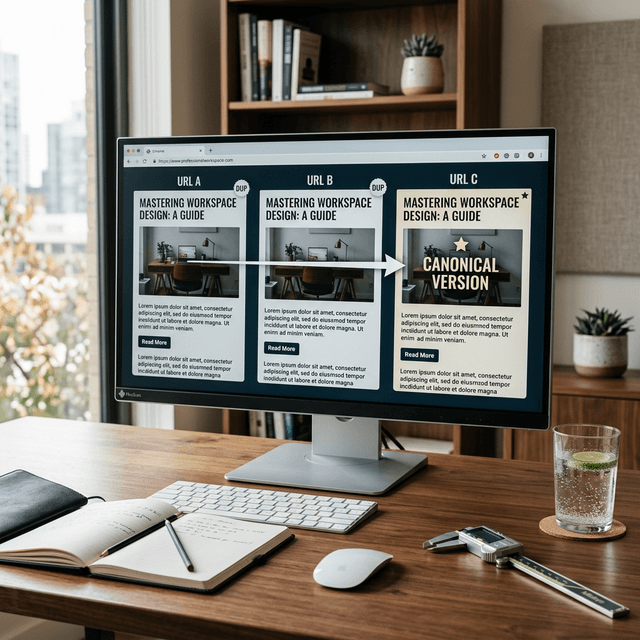
noindex - wrong canonical pointing elsewhere
- broken internal links
- redirect chains
- important assets blocked from rendering
- major performance regressions
- sudden template changes
Use URL Inspection in Search Console and compare the live URL against what you expect. If the issue started right after a deployment, inspect template-level changes before editing copy.
Technical cleanup often overlaps with canonical tag best practices and internal linking improvements.
4. Internal Link Support Weakened
Pages rarely rank on content alone. They rank better when your own site consistently reinforces their importance.
Ranking losses often show up after:
- related pages were deleted or redirected
- newer posts stopped linking to the target page
- anchor text became vague
- competing pages started splitting authority across the same topic
Fix:
- add contextual links from closely related posts
- use anchors that describe the page's intent clearly
- remove conflicting internal links pointing the same anchor toward the wrong URL
If multiple pages now overlap the same intent, review keyword cannibalization fixes before pushing more links.
5. Competitors Published a Better Page
Sometimes the simplest explanation is the correct one. A competitor improved the page and took the spot.
Review the current page-one results and compare:
- depth
- freshness
- specificity
- examples
- formatting
- snippet appeal
The best recovery move is not always writing more. Often it is improving the exact section where your page now feels weaker than the results above it.
For this step, use the same structure in your SEO competitor analysis guide.
6. You Misread Average Position
Search Console shows average position, not a fixed ranking snapshot. That matters.
A page can appear in different positions across devices, countries, and query variations. If you react to one noisy data point, you can make the page worse.
Treat a real problem like this:
- position declines over a meaningful comparison window
- clicks and impressions confirm the decline
- the change appears in your important segment, not just a tiny sample
A Practical Recovery Workflow You Can Run This Week
Use this sequence when a target keyword drops.
Step 1. Export the Query and Page Data
Pull:
- last 28 days vs previous 28 days
- query view for the target term and close variants
- page view for the affected URL
- device and country splits if traffic is meaningful
This gives you the minimum dataset you need to avoid guessing.
Step 2. Inspect the URL
In Search Console, run URL Inspection for the affected page.
Confirm:
- the page is indexable
- the selected canonical is correct
- Google can fetch the page
- the latest version reflects your intended content
Step 3. Review the Live SERP
Search the target keyword in an incognito browser and study the current page-one results.
Check:
- what format dominates
- what questions top pages answer early
- whether rich results or SERP features changed CTR expectations
- whether your title still feels competitive
Step 4. Pick One Primary Cause
Do not pile on ten edits at once. Choose the most likely primary cause:
- technical
- intent
- freshness
- internal links
- competitor improvement
Then make changes that match that diagnosis.
Step 5. Ship the Smallest Meaningful Update
Examples:
- rewrite title and description for CTR and intent match
- add two missing sections the best pages all cover
- fix canonical or indexing issue
- add three strong internal links from related posts
- refresh examples and screenshots
This is exactly where Search Console-driven execution works well. If you want to turn ranking losses into a repeatable workflow, see Agentic SEO and Google Search Console quick wins.
Step 6. Monitor Recovery in Defined Windows
Check at:
- 7 days for crawl pickup and early movement
- 14 days for CTR and impression trend
- 28 days for position direction
- 56 days for sustained recovery
Avoid making another major rewrite before you have enough signal to judge the first fix.
What a Strong Recovery Update Usually Includes
When a page loses rankings, the pages that recover fastest usually improve in four places at once:
- Intent match: the page answers the query faster
- Depth: the page covers the obvious missing subtopics
- Clarity: headings, examples, and formatting make the answer easier to use
- Support: internal links and technical signals reinforce the page's role
You do not need to make the page longer than every competitor. You need to make it easier for both users and Google to understand why the page deserves the query.
Recovery Checklist for Lost Keyword Ranking
- [ ] Confirm the drop in Search Console with a useful comparison window
- [ ] Identify whether the issue is query-level, page-level, or site-wide
- [ ] Inspect the URL for indexing, canonical, and crawl issues
- [ ] Review the current SERP for intent and format changes
- [ ] Compare your page against the best current results
- [ ] Fix the most likely primary cause first
- [ ] Strengthen internal links from relevant supporting pages
- [ ] Recheck performance at 7, 14, 28, and 56 days
Ready to Automate Your SEO?
AgenticSEO helps you spot declining queries, prioritize the cause, and turn ranking losses into clear refresh, internal linking, and optimization tasks.
Start your free AgenticSEO analysis and recovery workflow
Frequently Asked Questions
How long does it take to recover a lost keyword ranking?
Minor losses caused by CTR, snippet weakness, or light content gaps can start moving within 1 to 4 weeks. Recovery from technical issues, major intent mismatches, or core update exposure often takes longer.
Should I rewrite the whole page after a ranking drop?
Not by default. First identify whether the problem is technical, structural, or intent-related. A focused update often outperforms a full rewrite because it preserves what still works.
Can internal links really help recover rankings?
Yes, when they are relevant and specific. Strong internal links help Google understand which page should lead a topic and can reinforce pages that have lost support over time.
Key Takeaways
- Confirm the loss in Search Console before reacting to third-party tool noise.
- Classify the problem fast: technical, intent, freshness, internal links, or competitor improvement.
- Fix the most likely root cause first instead of rewriting everything.
- Track recovery in defined review windows so you can tell whether the update actually worked.