
You opened a second location. Then a third. Now you have seven, and your rankings are a mess. Your Dallas page keeps competing with your Fort Worth page. Your homepage is trying to rank for "HVAC company near me" in four different cities simultaneously. Nothing is winning because everything is fighting everything else.
This is the classic multi-location SEO problem, and it is one of the most fixable issues in local search, once you understand why it happens.
Why Multi-Location SEO Is Different From Regular Local SEO
Single-location local SEO is relatively straightforward: optimize your Google Business Profile, build local citations, create locally relevant content, and earn reviews. The signals all point to one place.
Multi-location SEO adds a layer of structural complexity. Now you have multiple pages competing for similar queries, multiple GBP listings that can confuse signals, and the genuine risk that Google cannot determine which page deserves to rank for a searcher in a specific city. When Google is uncertain, it often ranks none of your pages well, or it ranks your homepage instead of the location page that would actually convert the visitor.
The goal is to create clear, distinct, and authoritative signals for every location so Google never has to guess.
The Foundation: Unique Location Pages That Actually Differ
Most multi-location SEO failures start here. Businesses create location pages by copying one template and swapping in the city name. The content is 95% identical across all pages, which tells Google these pages are thin duplicates, not genuinely useful local resources.
Each location page needs to be meaningfully different from every other location page. That does not mean you need to write 2,000 unique words from scratch for 40 locations. It means the content that matters to a local searcher needs to reflect that specific location.
What makes a location page genuinely unique:
- Specific address, phone number, and hours (not generic contact info)
- Staff names and photos from that location when possible
- Local landmarks and neighborhoods served ("We cover the Buckhead, Midtown, and Virginia Highland neighborhoods")
- Location-specific reviews and testimonials pulled from that branch's GBP listing
- Local news mentions or community involvement tied to that location
- A location-specific FAQ addressing questions that reflect that city's customers
Compare this approach to swapping "Dallas" for "Fort Worth" in a template. The difference in signal quality is enormous.
URL Structure for Multi-Location Sites
Your URL structure sends strong signals to both users and search engines about how your site is organized. For multi-location businesses, there are two common approaches:
| Structure | Example | Best For | |-----------|---------|----------| | Subdirectory by location | /locations/dallas/ | Most businesses, easiest to manage | | Subdirectory by service then location | /hvac/dallas/ | Service businesses with multiple offerings per location | | Subdomain per location | dallas.example.com | Very large franchises with distinct local operations |
For most businesses, the subdirectory approach under /locations/ is the right call. It consolidates authority under your main domain, is easier to manage technically, and makes the site hierarchy clear to crawlers.
Avoid creating separate domains for each location. This splits your authority across multiple properties and multiplies your maintenance burden without delivering proportional SEO benefit.
Google Business Profile: One Listing Per Physical Location
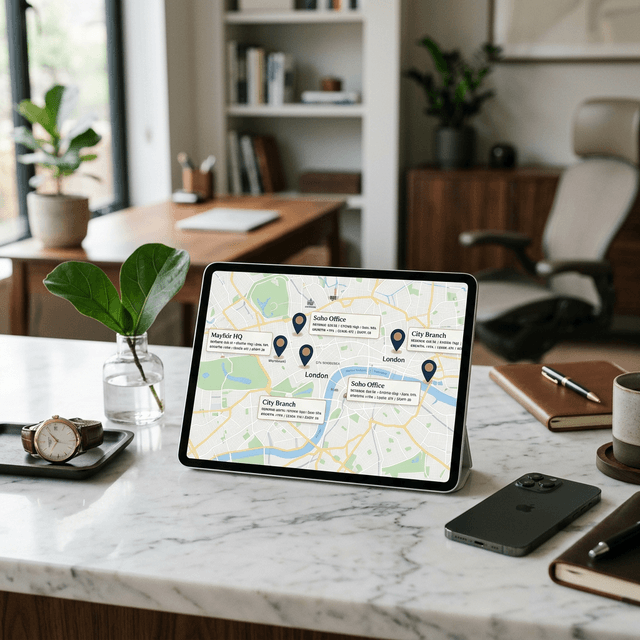
Every physical location your business operates from should have its own verified Google Business Profile. This is non-negotiable for multi-location local SEO.
Each GBP listing should:
- Use the exact address of that location (not a PO Box or virtual office)
- Have a unique local phone number, not a single national number routed to all locations
- Link to that location's specific page on your website, not the homepage
- Include location-specific photos of the actual physical space and staff
- Have its own review profile that accumulates reviews mentioning that location
The link between GBP and your location page is critical. If your GBP listing for Austin links to your homepage, you lose the reinforcing signal that helps the Austin page rank for Austin searches. Always link GBP to the specific location URL.
NAP Consistency Across All Citations
NAP stands for Name, Address, Phone number. Consistency of these three data points across the web is a foundational local ranking signal.
For multi-location businesses, this gets complicated fast. You need to maintain accurate NAP data for every location across dozens of citation sources: Yelp, Yellow Pages, Apple Maps, Bing Places, industry directories, and chamber of commerce listings.
One wrong phone number or an old address from a location that moved can create conflicting signals that suppress local rankings.
Practical approach to NAP management:
- Create a master spreadsheet with every location's exact NAP data
- Audit existing citations using a tool like BrightLocal or manually searching each location's name
- Correct inconsistencies, prioritizing high-authority directories first
- Set a quarterly review schedule to catch outdated data before it causes ranking problems
The more locations you have, the more valuable a citation management tool becomes. Manual auditing across 10+ locations becomes a full-time job without automation.
Preventing Cannibalization Between Location Pages
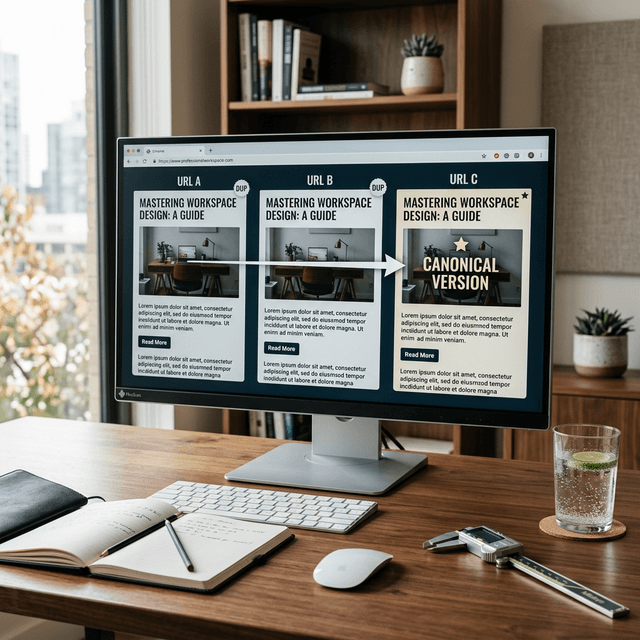
Keyword cannibalization happens when multiple pages on your site compete for the same query. In multi-location SEO, it occurs when your pages for neighboring cities are so similar that Google cannot decide which one to show for any given local search.
The fix is not to remove pages. It is to differentiate them clearly enough that each page owns a distinct geographic territory in Google's understanding.
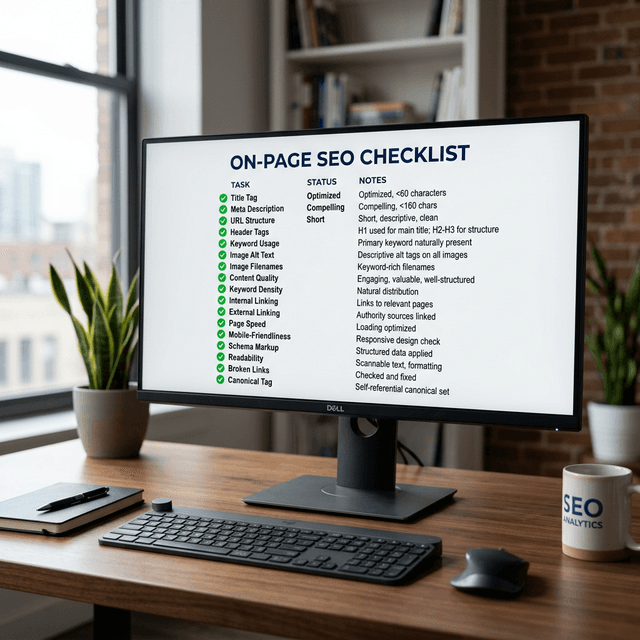
Cannibalization prevention checklist:
- [ ] Each location page targets the specific city plus surrounding neighborhoods or suburbs, not just the city name
- [ ] Location pages do not repeat each other's content verbatim
- [ ] Internal links from the homepage or services pages point to the correct location page, not to a generic locations hub
- [ ] The XML sitemap includes all location pages with accurate lastmod dates
- [ ] Location pages are not blocked by robots.txt or set to noindex accidentally
Run a search for "[your service] [city]" for each of your locations and check which of your pages Google returns. If the same page shows up for multiple city searches, you have a cannibalization problem worth addressing.
Internal Linking Architecture for Multi-Location Sites
Strong internal linking helps Google understand the relationship between your location pages and your main service pages. It also distributes link authority across your site in a controlled way.
A clean internal linking structure for a multi-location site looks like this:
- Homepage links to a /locations/ hub page and to your 3 to 5 highest-priority locations
- Locations hub page links to every individual location page
- Each location page links to relevant service pages for that location, back to the hub, and to neighboring location pages where logical
- Service pages link to the location pages that offer that service
This creates a logical crawl path that Google can follow efficiently. It also means that authority earned by your homepage and service pages flows through to your location pages, helping them rank competitively in local results.
For businesses with many locations, consider grouping location pages by region (Northeast, Southeast, Midwest) with regional hub pages that link to location pages within that region. This scales the architecture without creating a flat list of 50 links on a single hub page.
Schema Markup for Multiple Locations
Structured data helps search engines understand your business details precisely. For multi-location businesses, LocalBusiness schema applied to each location page is essential.
Each location page should include LocalBusiness schema with:
name(your business name, optionally with location identifier)address(using PostalAddress with all subfields)telephone(the local number for that branch)openingHours(specific to that location, since hours may differ)geo(latitude and longitude coordinates)url(canonical URL of that location page)sameAs(links to that location's GBP listing and major directory profiles)
Do not copy a single schema block and replicate it with just the address swapped. Every property that differs between locations should differ in your schema.
Content Strategy: Going Beyond "Service + City" Pages
The most competitive multi-location businesses build local content that goes beyond the basic location page. Think of each location as having its own micro-content strategy.
For each major market, consider creating:
- Local guides ("The Best Time of Year for Roof Inspections in Minneapolis")
- Neighborhood-specific content ("Why Chicago's Hyde Park Homes Need Different Foundation Services")
- Local event coverage or sponsorships tied to that location's community
This content does three things simultaneously: it differentiates your location pages from competitors, it earns local backlinks from community sites and local press, and it signals to Google that your presence in that market is genuine and not artificially constructed.
This approach also feeds your topical authority strategy at a local level, helping each location become the recognized expert in its specific geography.
Tracking Performance Across Multiple Locations
Monitoring SEO performance for multi-location businesses requires a more granular approach than tracking a single site. You need to know which locations are gaining ground and which are stagnating.
Key metrics to track per location:
- Organic traffic to each location page (segment in GA4 by URL path)
- Local keyword rankings (use a rank tracker that supports location-specific results)
- GBP insights for each listing (impressions, direction requests, phone calls)
- Review count and average rating per location
Set up monthly reporting that compares each location's performance. Look for patterns: are all your Texas locations underperforming? Is one market consistently outperforming despite less investment? These patterns point to where to focus optimization effort.
If you want a baseline on how your overall SEO is performing across locations, a structured SEO audit is a useful starting point before diving into location-by-location optimization.
Ready to Automate Your SEO?
Enter your domain to get a free AI visibility analysis and see how AgenticSEO can help.
Key Takeaways
- Unique, genuinely differentiated location pages are the foundation of multi-location SEO
- Each location needs its own verified GBP listing linking to its specific page on your site
- NAP consistency across all citation sources must be maintained for every location
- Internal linking from homepage to hub to individual location pages helps Google understand your geographic coverage
- Track performance at the individual location level, not just site-wide